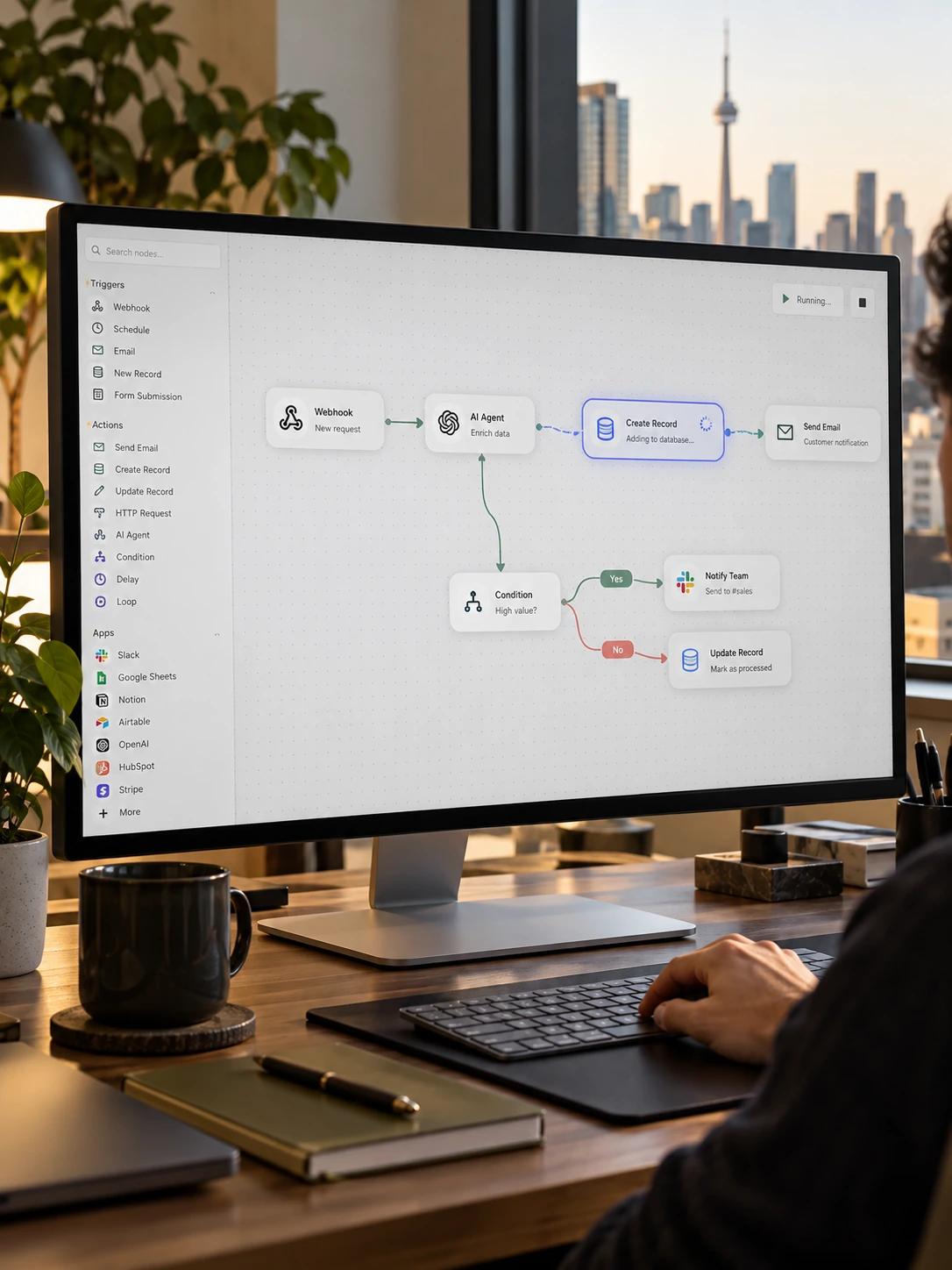
The same record gets typed in three times
A new customer, order or case means re-entering the same fields into every system that needs it.
The CRM, the billing tool and the internal tracker all need the same record, so someone types it into each one by hand, and the three copies start drifting apart the moment they're created.
The signs usually show up in day-to-day work long before anyone names the problem.
A new customer, order or case means re-entering the same fields into every system that needs it.
A tracker nobody designed has quietly become the system of record.
Two systems show two different answers to the same question.
When something breaks between systems, nobody finds out until the downstream problem shows up.
Without a connection between tools, a piece of information created in one system has to be manually copied into every other system that needs it. Each copy is a chance for a typo, a missed field, or a delay.
Most tool stacks grow one system at a time: a CRM here, a billing tool there, an internal tracker added later to patch a gap. Nobody plans the connections between them, so the connecting work falls to whoever notices the gap first, usually with a spreadsheet and good intentions.
Staff hours go into re-typing and reconciling data instead of the work that actually needs a person.
Decisions get made on whichever system happens to be most up to date, which isn't always the right one.
Errors introduced during manual entry surface downstream, often with a customer or a finance team, where they're more expensive to fix.
We map which systems hold which data, where records are duplicated, and where manual re-entry is happening today.
We design the integration architecture: what syncs, how often, and what happens when a sync fails.
We build middleware that keeps your SaaS tools, internal systems and external data sources in sync, with retries and error handling built in.
Where a legacy system has no API, we automate the manual steps directly rather than leaving them as the one disconnected link.
What day-to-day work looks like once the fix is in place.
Tell us which systems don't talk to each other and we'll map what it takes to connect them.